Some customer is having trouble connecting the device to Autel MaxiIM IM608 update server.
Show error as follows:
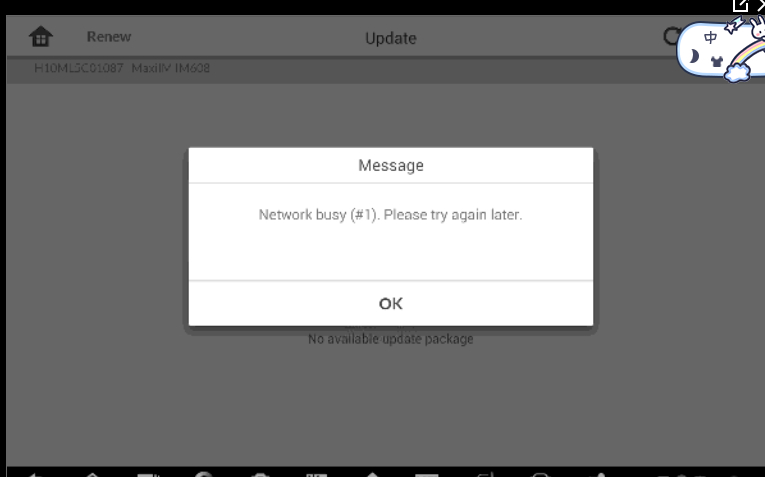
The reason why that happens is because customer network environment can’t access Autel server, the DNS domain IP address is not allowing it to access autel server.
To fix this problem. You can do as follows:
Go to system settings:
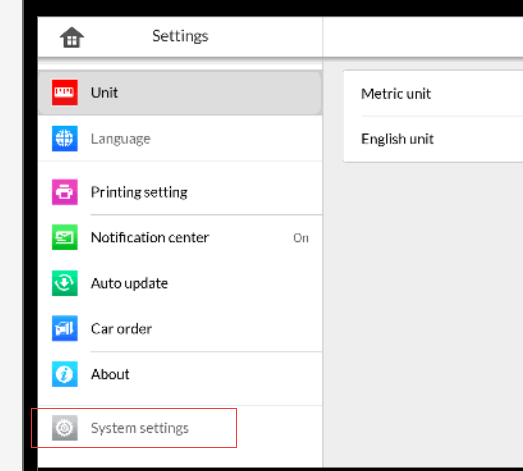
Then do as follows:
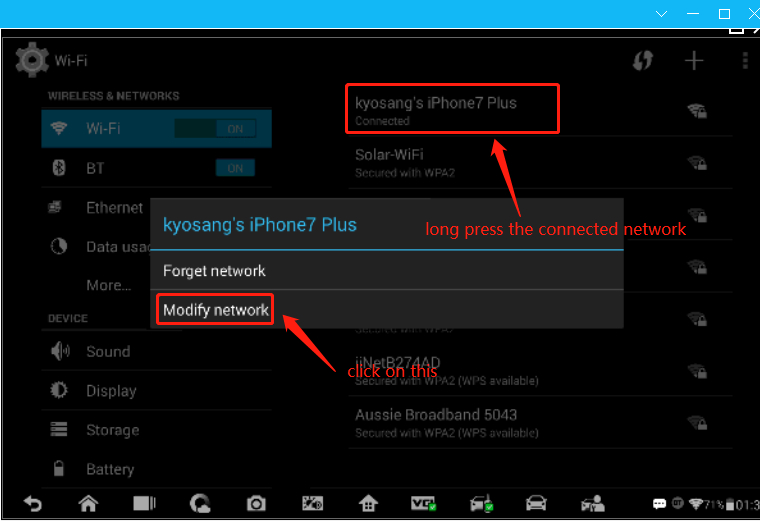
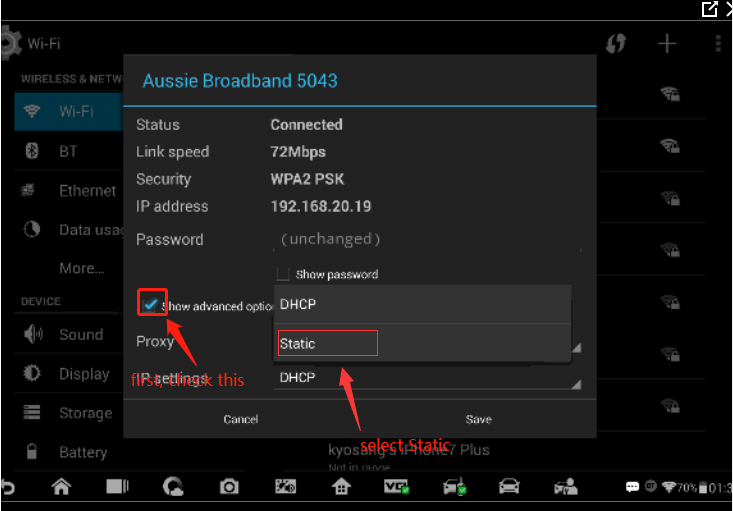
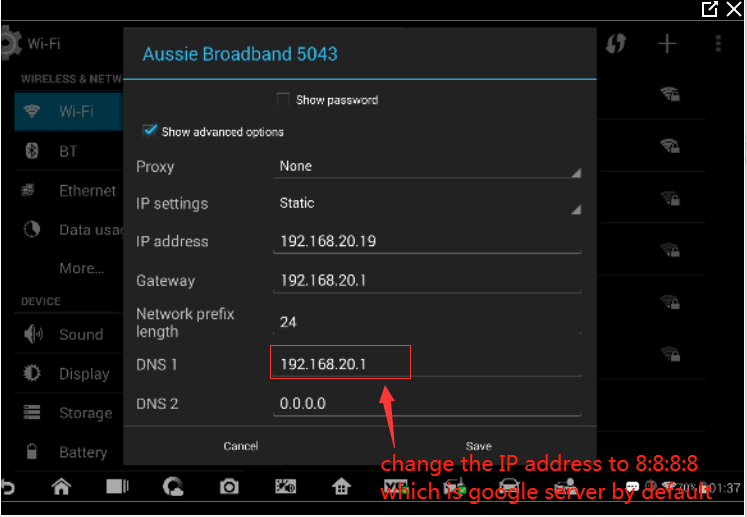
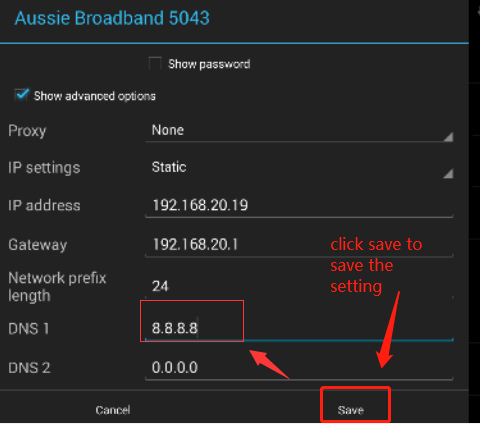
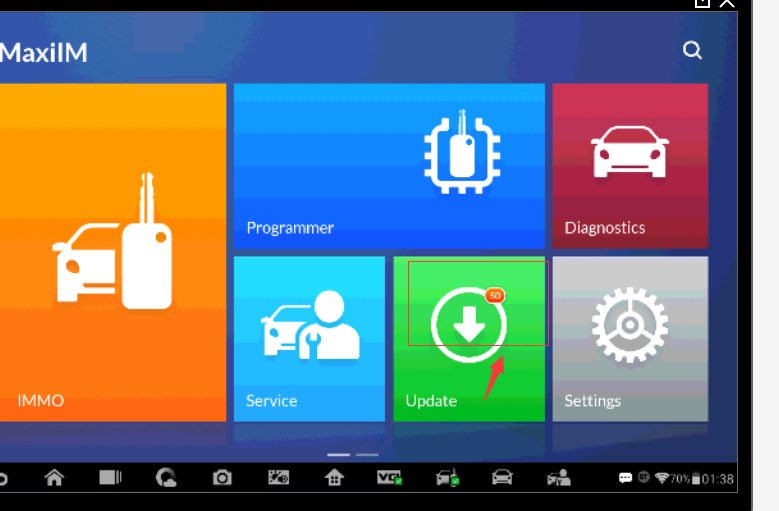
After that, you will see the device connect to the Autel update server normally and you can download the update normally now.

請先 登入 以發表留言。